
Social Media Content Calendar: Free Template & Guide
- Talha Nazir
- November 15, 2026
- Social Media Marketing
- content pillars, content planning, Meta Business Suite, social media content calendar, social media plan template
- 0 Comments
Most small businesses and students I meet in Lahore post on social media only when they remember. One week there are five posts, then nothing for a month. The fix is simple: a social media content calendar. In this post I’ll share the free template I use in class, and show you how to plan a full month of posts in one sitting, even if you run a small shop, a home business or your own personal brand.
I’m Talha Nazir, a digital marketing and SEO trainer in Lahore and a trainer at Corvit Networks. I’ve trained 5000+ students, and content planning is one of the first habits I teach, because it makes everything else easier.
What you’ll learn in this post:
- Why planning beats posting “whenever”
- How to choose 3 to 5 content pillars for your brand
- A weekly posting rhythm you can actually keep
- A simple content calendar template you can copy into Google Sheets
- How to batch-create and schedule posts in Meta Business Suite
- How to review results and improve next month
1. Why Plan Content with a Social Media Content Calendar
A content calendar is just a table that answers four questions for every post: what you’ll post, where, when, and why. That’s it. It doesn’t need fancy software.
Planning saves time and stress
When you decide your posts in advance, you stop staring at your phone at 10 PM wondering what to upload. You also stop posting random content that doesn’t help your business.
Consistency builds trust
People follow pages that show up regularly. A clothing brand in Liberty Market or a home bakery in Johar Town that posts three good posts every week for six months will usually build more trust than one that posts daily for two weeks and then disappears.
Your posts start working towards a goal
With a plan, every post has a job: bring a WhatsApp enquiry, show a product, answer a common question or build trust. Random posting rarely does that.
2. Choosing Your Content Pillars
Content pillars are the 3 to 5 main themes you post about again and again. They keep your page focused and make planning much faster.
How to pick your pillars
Ask yourself: what do my customers want to know, see or feel before they buy from me? Then turn the answers into themes. For most small businesses, these pillars work well:
- Educate: tips, how-tos and answers to common questions
- Show: products, services, behind-the-scenes and your process
- Prove: genuine reviews, before-and-after work and real customer photos (with permission)
- Connect: your story, your team, local events and festivals like Eid or 14 August
- Sell: offers, new arrivals and clear calls to action
Pillar examples for Lahore businesses
| Business | Pillar ideas |
|---|---|
| Clothing brand | New arrivals, styling tips, fabric care, customer photos, Eid collection |
| Home bakery | Behind-the-scenes baking, menu, order process, real reviews, festival specials |
| Freelancer or trainer | Tips, mini case studies, your story, Q&A, services |
If you want a deeper guide on Instagram content itself, read my post on Instagram marketing for Pakistani brands.
3. A Weekly Posting Rhythm You Can Keep
The best rhythm is the one you can maintain for months, not the one that sounds impressive.
Start small
For most beginners I recommend 3 posts per week on your main platform, plus a few Stories. Once that feels easy, add a fourth post or a short Reel.
Give each day a pillar
Assigning a pillar to each posting day removes most of the thinking. For example:
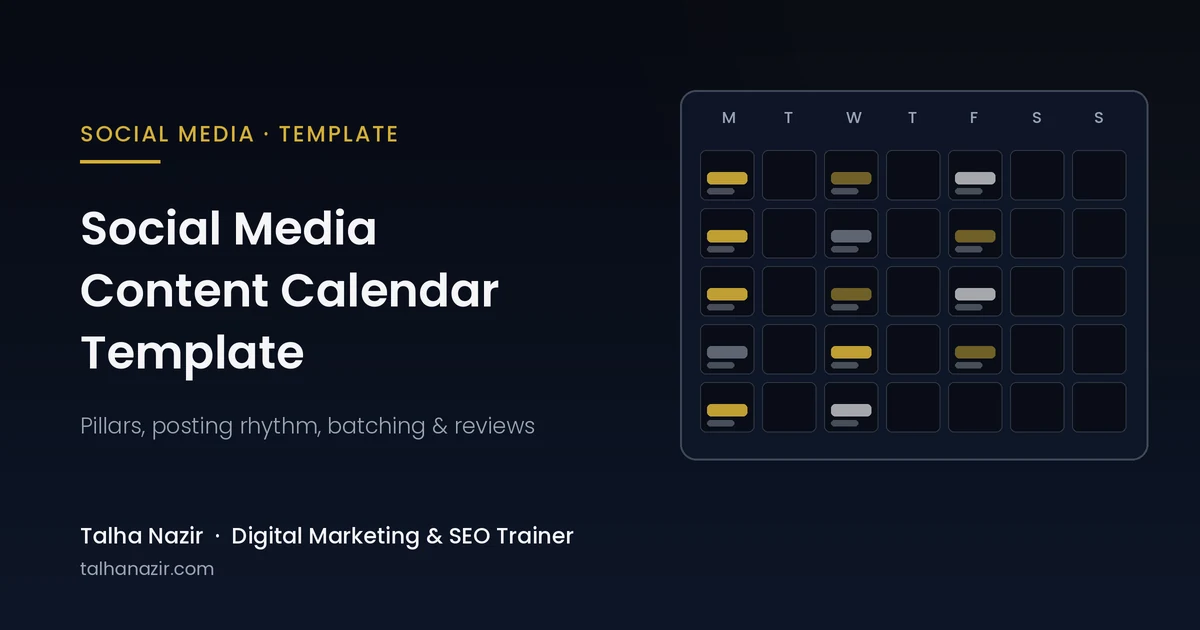
- Monday: Educate (a tip or how-to)
- Wednesday: Show (product, service or behind-the-scenes)
- Friday: Prove or Sell (a real review, offer or clear call to action)
Pick times based on your own audience
Don’t copy “best time to post” lists blindly. Check your own Facebook and Instagram insights to see when your followers are online, then test and adjust.
4. Content Calendar Template Walkthrough
Here’s the simple template I give my students. Open Google Sheets (or Excel) and create these columns:
| Date | Platform | Pillar | Topic / idea | Format | Caption status | Visual status | CTA | Published? |
|---|---|---|---|---|---|---|---|---|
| Mon 7 Dec | Instagram + Facebook | Educate | 3 ways to style a plain kurta | Carousel | Draft | Ready | “DM us for sizes” | No |
| Wed 9 Dec | Instagram + Facebook | Show | Behind-the-scenes: packing orders | Reel | Done | Ready | “Order on WhatsApp” | No |
| Fri 11 Dec | Prove | Customer photo with review (with permission) | Image | Done | Done | “Shop the look” | No |
The rows above are example entries to show how to fill the template, not real data.
What each column means
- Date and Platform: when and where the post goes live
- Pillar: which theme the post belongs to, so you keep a healthy mix
- Topic / idea: one clear idea per post
- Format: image, carousel, Reel, Story or text post
- Caption and Visual status: track progress as Idea, Draft, Ready or Done
- CTA: the one action you want people to take, such as messaging you on WhatsApp
- Published?: tick it once it’s live, so nothing gets missed
Tips to fill it quickly
Colour-code each pillar so you can see the balance at a glance. Add a separate tab for ideas, and drop every customer question you get on WhatsApp into it. Those questions are your best content. You can also use AI to brainstorm topics, as I explain in ChatGPT for digital marketing, but always edit the output in your own voice.
5. Batching and Scheduling Your Posts
Batching means creating many posts in one focused session instead of one post every day.
My batching routine
- Plan (1 hour): fill the calendar for the whole month.
- Write (1 to 2 hours): write all captions in one go.
- Create (2 to 3 hours): shoot photos and short videos, then design graphics in a tool like Canva.
- Schedule (30 minutes): load everything into a scheduler.
Schedule with Meta Business Suite
For Facebook and Instagram, Meta Business Suite is free and has a Planner where you can create and schedule posts in advance. Meta explains the steps in its help article on how to save, schedule or reschedule posts in Meta Business Suite. Scheduling means your posts go out on time even on your busiest days.
Leave room for real-time posts
Keep one or two empty slots each week for trends, news or a customer moment you want to share. A calendar should guide you, not trap you.
6. Reviewing Results Every Month
Your calendar becomes powerful when you learn from it.
What to check
At the end of each month, look at your insights and note:
- Which posts got the most saves, shares and comments
- Which posts brought WhatsApp messages or DMs
- Which pillar performed best and which performed worst
- Which format worked better: Reels, carousels or single images
Improve next month’s plan
Do more of what worked and cut what didn’t. Add a “Result” column to your calendar so you can see patterns over time. If a business is only starting out online, my guide to digital marketing for small businesses in Lahore explains how social media fits with Google and WhatsApp.
My experience: In my classes, the students who stay consistent are rarely the most creative ones. They’re the ones who plan a month in advance and batch their work. When I ask students to fill a simple content calendar in class, most of them realise they already have enough ideas for weeks; they just never wrote them down.
Want to learn social media planning with a Lahore trainer? My new weekend batch, SEO & Digital Marketing With AI, starts Saturday, 21 November 2026, 7 to 9 PM at Corvit Systems Lahore, online and in person. You can also explore my social media marketing course in Lahore or visit Talha Nazir and message me on WhatsApp at +92 309 1486450 for details.
FAQs
What is a social media content calendar?
It’s a simple plan, usually a spreadsheet, that lists what you’ll post, on which platform, on which date, and why. It helps you post consistently and keep every post tied to a goal.
How many posts per week should a small business make?
Start with a number you can keep for months. For most beginners, three good posts a week on one main platform is a strong start. Increase it only when that feels easy.
Is there a free tool for a content calendar?
Yes. Google Sheets works perfectly for planning, and Meta Business Suite is free for scheduling Facebook and Instagram posts.
How far ahead should I plan my social media content?
Planning one month at a time works well for most small businesses. Keep a few empty slots each week for trends and real-time moments.
What are content pillars?
Content pillars are the 3 to 5 main themes you post about repeatedly, such as tips, products, reviews, your story and offers. They keep your page focused and make planning faster.
About the author: Talha Nazir is a Lahore-based digital marketing and SEO trainer at Corvit Networks and founder of Ajax Solutions. He is Google Certified, has trained 5000+ students and was recognised by the Governor of Punjab. Visit talhanazir.com.


Leave A Comment